 By the Brainy Lemons team
The best GCSE revision apps in 2026 are BBC Bitesize and Seneca for free, exam-board revision, Quizlet or Anki for flashcards, Khan Academy for extra maths practice and Forest to keep your phone from distracting you. Most are free, though Quizlet and Seneca charge for extras and Anki costs £24.99 on iPhone.
There’s no single best app for every student. One student needs to learn topics they missed, another needs to drill key words and a third just needs to stop scrolling. So we’ve sorted the apps by what they’re good for, not by a made-up ranking. If you’re one of the parents choosing for your child, the same goes for you: the right app depends on what they need help with.
Every price and platform below was checked on the app’s own listing or website in October 2026. We make a revision course ourselves, so we’ll say where we fit and where another app will serve you better.
At a glance
- Best free all-rounder: BBC Bitesize, no subscription and no in-app purchases
- Best for short, active revision sessions: Seneca (free, with paid Premium)
- Best flashcard apps: Quizlet (free, with Quizlet Plus) and Anki (free on Android and computer, £24.99 on iPhone)
- Best extra maths practice: Khan Academy (free)
- Best for focus: Forest (free to download)
- Only if your school pays: GCSEPod
- No app: Save My Exams (its website works on your phone instead)
- First GCSE exam of summer 2027: 10 May 2027 (JCQ)
The best GCSE revision apps in 2026
A revision app is only useful if it covers your specification, the official list of everything you can be asked. AQA, Edexcel and OCR can teach different topics under the same subject name, so check that first. Then pick an app for each job: one to learn, one to test yourself and one to keep you focused.
1. BBC Bitesize: the best free all-rounder
The BBC Bitesize Exam Revision app is free on iPhone and Android, with no subscription and no in-app purchases. It’s built for students aged 14 to 16 and the BBC says over 1.5 million students use Bitesize every week.
You sign in with a free BBC account, choose your subjects and pick your exam board: AQA, Edexcel, Eduqas, OCR, CCEA or WJEC. You get short revision guides with labelled diagrams, multiple-choice quizzes, video and audio recaps and sample exam questions in subjects like biology, chemistry, physics and English.
Good for: a clear first look at a topic, or a quick check on the bus. The quality is high and it’s made for UK students. Watch out for: the guides are short, so the hardest higher-tier topics may need a second source.
2. Seneca: the best for short, active revision
Seneca turns each topic into small chunks with a question every few lines, so you can’t just skim. It’s free on iPhone and Android and Seneca says 14 million students use it. Its courses are matched to your exam board for KS3, GCSE and A level. Get an answer wrong and it comes back later in a different form.
Seneca’s help centre says all of its courses are free to access. Seneca Premium is paid monthly, by the season or yearly and its help centre says you see the price when you choose a package. Premium adds things like AI-marked exam-style questions and a mode that tells you what to revise next.
Good for: 15 minutes of revision that makes you think, with instant feedback. Watch out for: the questions are short, so you’ll still need exam papers to build exam technique on longer answers.
3. Quizlet: the biggest flashcard library
Quizlet lets you make flashcards or use one of the 700 million sets other people have made. It has study modes like matching games and practice tests and runs on iPhone, Android and the web. The app is free and Quizlet Plus is a paid upgrade for ad-free studying, extra study modes and homework help. The UK App Store lists Quizlet Plus at between £9.99 and £44.99 (October 2026).
Good for: key words, definitions, dates and English literature quotes. Watch out for: other people’s sets often have mistakes or follow a different exam board. Check them against your own notes, or make your own.
4. Anki: the best flashcard app for spaced repetition
Anki is a free flashcard app that’s hugely popular with medical students. It uses spaced repetition, which means it shows you each card again just before you’d forget it and less often once you know it well, so it’s one of the most effective revision tools for facts you must know cold.
Anki is free on Windows, Mac and Linux and AnkiDroid is free on Android. The official iPhone app, AnkiMobile, costs £24.99 once (UK App Store, October 2026) and that money funds the free versions. A free AnkiWeb account syncs your cards between devices.
Good for: any student who’ll make their own cards and review them daily. Watch out for: it looks plain, the cards are only as good as what you write and it takes an hour or so to get the hang of.
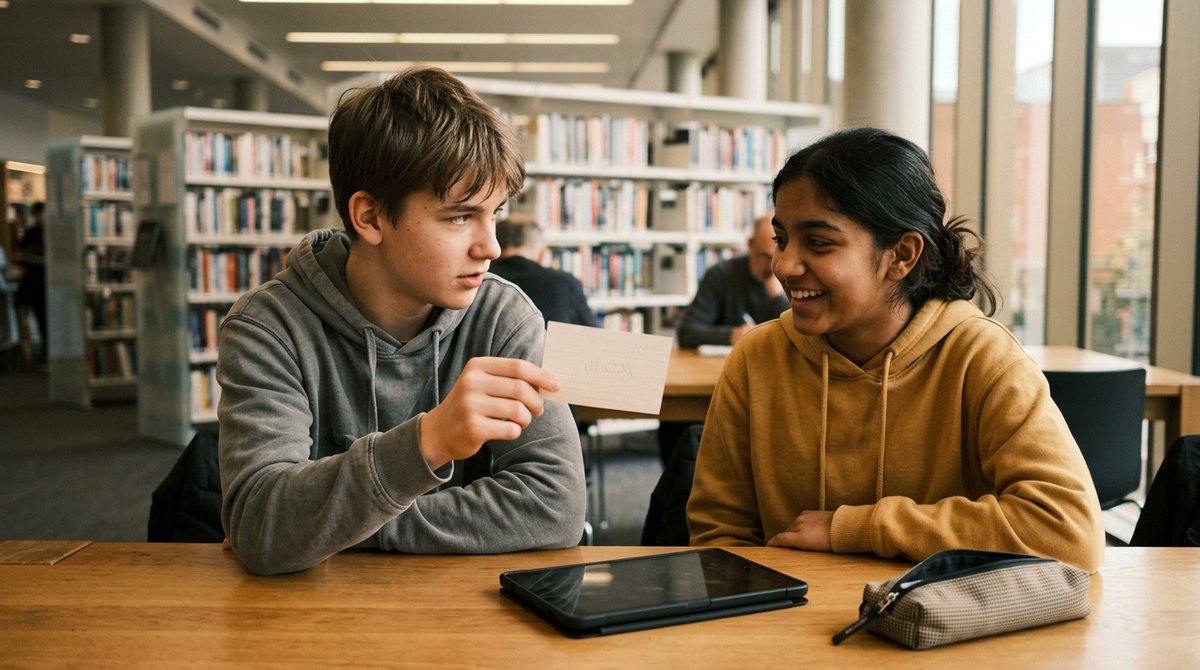
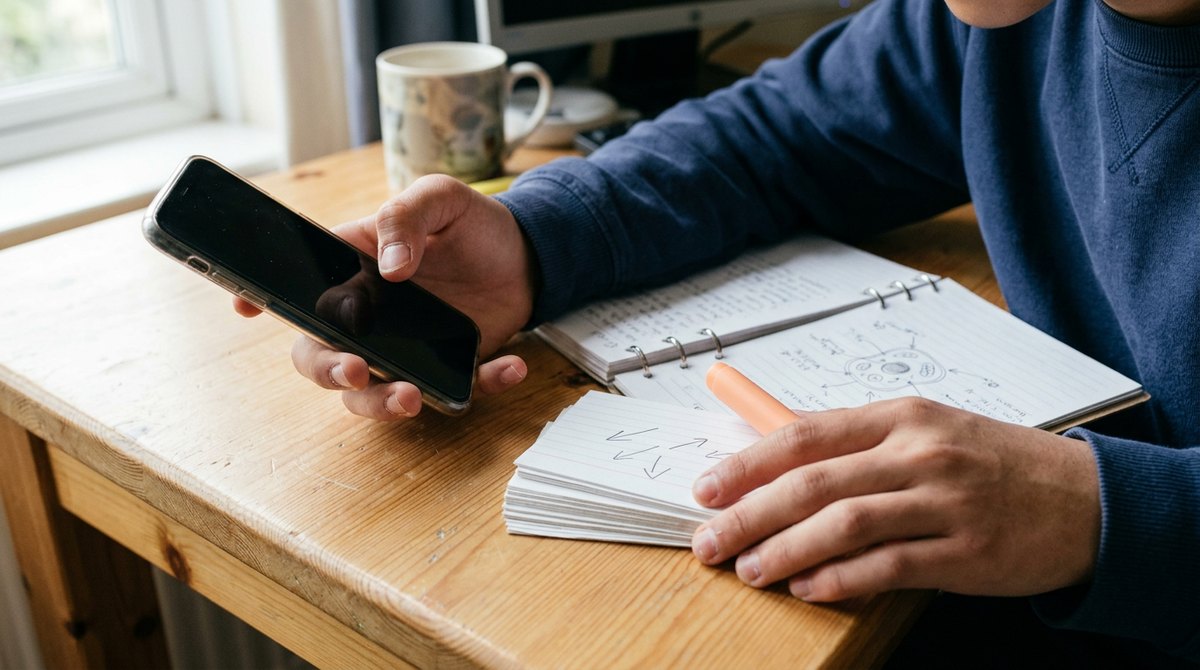
Testing each other with flashcards works on paper or in an app, as long as you answer before you look.
5. Khan Academy: free extra maths practice
Khan Academy is free on iPhone, Android and the web. It has thousands of videos and interactive exercises that give you feedback as you go and it’s strongest for maths. You can go at your own pace and repeat a skill as often as you like.
Good for: going back over a maths skill you never quite got, like fractions, algebra or simultaneous equations. Watch out for: it’s American and isn’t written for any UK exam board, so use it for skills, not to plan your GCSE revision.
6. GCSEPod: only if your school pays
GCSEPod has short videos, called Pods, mapped to exam board specifications in over 30 subjects. Its app is free on iPhone and Android, but it only works if your school has an active GCSEPod subscription. If it does, your school login works straight away.
Good for: students whose school already pays for it. Watch out for: watching a video feels like revision, but it’s mostly reading with your ears, so answer the quiz after each Pod.
7. Forest: the app that keeps you off your phone
The biggest problem with revising on your phone is your phone. Forest is a focus timer: you plant a tree and it grows while you study but dies if you leave the app to scroll. It’s free to download on iPhone and Android, with optional in-app purchases.
Good for: anyone who opens a revision app and ends up on another one. Watch out for: it can’t stop you. Your phone’s own focus or do not disturb mode, set for your study hours, does a similar job for free.
What about Save My Exams?
Many lists call Save My Exams an app, but its own help page says it doesn’t have one. Its website works on your phone and you can add it to your home screen so it opens like an app. It’s very good for exam-style questions by topic, but most of it is behind a paid plan. Our guide to the best GCSE revision websites covers it and other sites like Physics & Maths Tutor.
GCSE revision apps compared side by side
Here’s the same list in one table, so you can see what each app costs and which phones it runs on.
| App | Best for | Cost (October 2026) | iPhone and Android? | Follows your exam board? |
|---|---|---|---|---|
| BBC Bitesize | Learning and checking topics | Free, no in-app purchases | Both | Yes, you choose it |
| Seneca | Short active revision | Free, Premium extra | Both | Yes |
| Quizlet | Ready-made flashcards | Free, Quizlet Plus extra | Both | Only if the set does |
| Anki | Spaced repetition flashcards | Free, £24.99 on iPhone | Both | Only if you make it so |
| Khan Academy | Maths skills | Free | Both | No |
| GCSEPod | Short videos | Free if your school subscribes | Both | Yes |
| Forest | Focus | Free, in-app purchases | Both | Not needed |
| Brainy Lemons | A full course for one specification | First 3 lessons free, then from £84 a course | Runs in your phone’s web browser | Yes, one course per specification |
Want a whole course, not just quizzes? Every Brainy Lemons lesson ends with its own quiz and the first 3 lessons of every course are free.
Find your course →What makes a revision app actually work?
Apps that look different often work in the same way underneath. The ones that help most make you pull answers out of your own head, which is called active recall. Reading a summary feels like learning, but active recall is what makes it stick.
The evidence for this is strong. A large 2013 review by John Dunlosky and colleagues, published in Psychological Science in the Public Interest, compared ten study techniques. It rated practice testing and spreading revision out over time (distributed practice) as the two most useful. Rereading, highlighting and summarising came out as low value.
So a quiz app you use for 15 minutes a day will usually beat an hour of rereading notes. The best revision tools aren’t the ones with the most features, but the ones built around testing. Before you download anything, check it has these:
- Your exam board and specification. If it doesn’t ask which board you’re on, it can’t be sure to cover your topics. An app written for the American curriculum won’t match your GCSE.
- Questions, not just notes. Quizzes, flashcards or exam-style questions, with the right answer shown straight away.
- Old topics coming back. Spaced repetition brings back what you learned weeks ago, so it’s still there in May.
- Feedback that teaches. When you’re wrong, the feedback should show you why, not just a red cross. Specific feedback is worth far more than a score.
- Progress tracking. A simple view of which topics you’re weak on, so you know what to revise next. It also lets parents see how things are going without nagging.
- Something you’ll open. The best app is the one you actually use every day.
Be careful with AI marking. AI is handy for quick feedback on short answers, but it can be wrong and it has limited knowledge of how your exam board awards marks. For long answers, check your work against the real mark scheme.

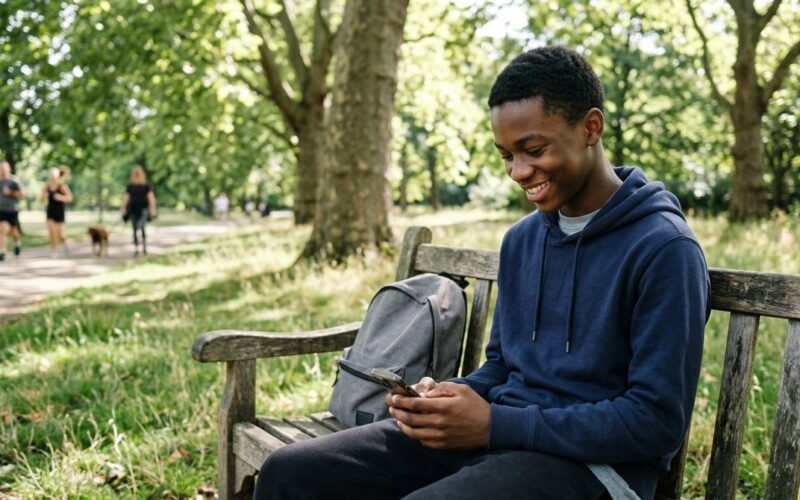
Ten minutes of audio or quiz questions on a park bench counts. Short, regular sessions are what make revision stick.
How do teenagers use apps for schoolwork?
Most of you already learn on your phone. Ofcom, the UK’s communications regulator, surveys children every year about what they do online and help with schoolwork comes top of the list for teenagers.
So nearly 8 in 10 teenagers say the internet helps with schoolwork. The same Ofcom report found that three-quarters (74%) of 8 to 17-year-olds believe all or most of what they see on schoolwork sites and apps is true.
That trust is mostly deserved, but not always. Community flashcards and AI answers can be wrong and Ofcom found 45% of young AI users now use it for school. Treat your exam board’s specification and mark schemes as the final word.
Free or paid: which revision apps are worth paying for?
Most of the best GCSE revision apps cost nothing and for most GCSE students the free versions are enough. Bitesize to learn a topic, Seneca or flashcards to test yourself and your exam board’s past papers to practise. You can do all of that without spending a penny.
Paying makes sense in three cases:
- You want to make and review your own cards on an iPhone every day. AnkiMobile is a one-off £24.99, not a subscription.
- You keep running out of questions in a subject. A paid plan with exam-style questions by topic can fill that gap.
- You don’t have a teacher for a subject. If you’re home educated or studying a GCSE your school doesn’t offer, quiz apps aren’t enough support on their own. You need a full course that takes you through the whole specification in order.
Before you pay, check the app covers your exam board, try the free version or free trial first and find out how to cancel. Subscriptions bought through the App Store or Google Play renew automatically until you cancel them in your account settings.
How to use revision apps in a week
You don’t need ten apps. You need one for each step: learn it, test it, practise it, fix it. Here’s a simple weekly plan for one subject.
| Day | Step | App or tool | Time |
|---|---|---|---|
| Monday | Learn one topic | Bitesize, GCSEPod or a course lesson | 30 minutes |
| Tuesday | Test yourself | Seneca or a lesson quiz | 15 minutes |
| Wednesday | Flashcards | Anki or Quizlet, including old topics | 10 minutes |
| Friday | Exam questions | Past paper questions on that topic | 30 minutes |
| Saturday | Mark and fix | The real mark scheme, then redo what you got wrong | 20 minutes |
Run Forest or do not disturb during the Monday and Friday sessions. From January of Year 11, add a full timed past paper every couple of weeks, marked with the real mark scheme.
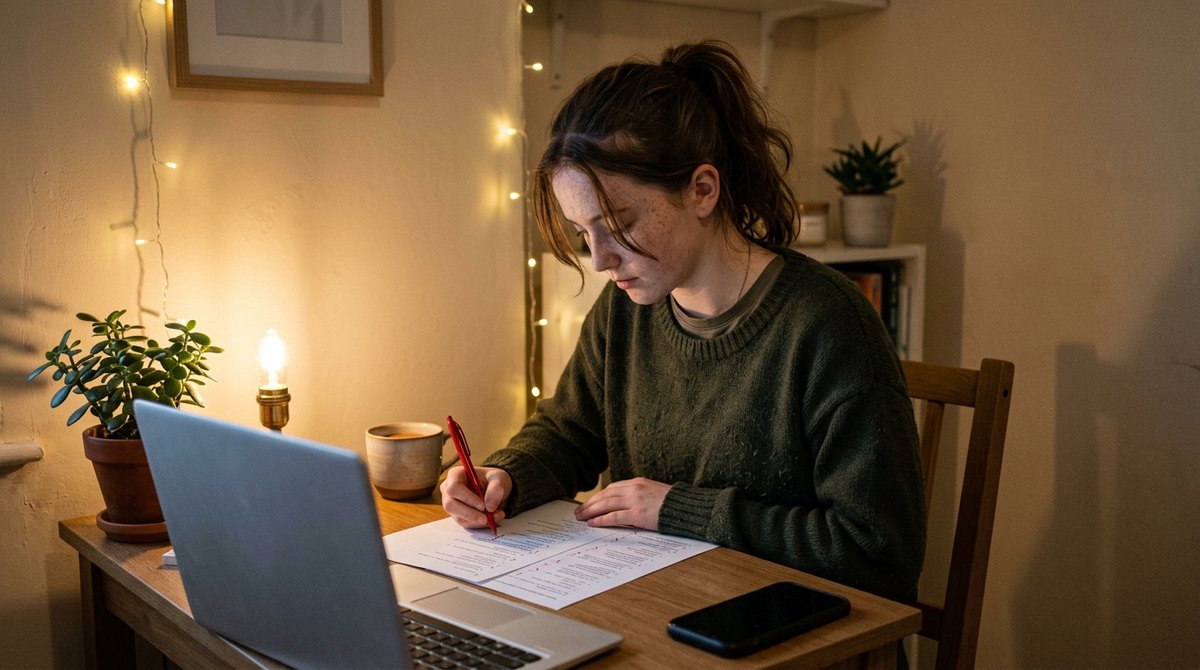
Apps get the facts in, but marking your own exam answers against the mark scheme is what turns them into marks.
The JCQ timetable puts the first GCSE exam of summer 2027 on 10 May 2027. Here’s how long you’ve got.
- Write down your exam board, subject code and tier for every GCSE
- Ask your school which apps it already pays for, like GCSEPod or Seneca Premium
- Pick one app to learn from and one to test yourself with
- Turn off notifications from games and social apps during study time
- Set a focus timer or do not disturb for your revision slots
- Bookmark your exam board’s past papers and mark schemes
- Note when any free trial ends so you’re not charged by surprise
Where Brainy Lemons fits
Brainy Lemons isn’t in the app stores, so it isn’t strictly a GCSE revision app. It’s a set of online GCSE and IGCSE courses that run in the web browser on your phone, tablet or laptop, each written for one exam board and one specification.
We’re not a free notes app and we don’t host past papers, so you’ll still want your exam board’s website for those. What we do is take you through the whole course in short lessons, then make you use what you’ve just read. Every lesson has its own quiz, a TV-style quiz show called Lemonaire and a zombie defence game called Last Stand, all written from that lesson.
- 3,412 lessons across our courses
- 60,483 quiz questions and 71,011 flash cards
- 79 3D games for the trickiest topics, most of them free to play
- One course costs £84, two cost £154 and three cost £210
- The first 3 lessons of every course are free, with no card needed
Our courses cover subjects the big revision apps cover less well. The AQA GCSE Psychology online course starts with how memory encodes, stores and retrieves information. The Edexcel IGCSE Biology course has flash cards built into every lesson, from the first one on the seven life processes. You can read more in our post on the new IGCSE Biology flash cards.
For science, the AQA GCSE Chemistry course opens with a free lesson on atoms, elements and compounds. For IGCSE students, the Cambridge IGCSE Geography course begins with the river journey from source to mouth and the Edexcel IGCSE Economics course starts with scarcity, the basic economic problem. There’s even a first Marine Science lesson on Earth as a planet.
If you’re weighing up a full course against apps and a tutor, our guides to choosing an online GCSE course and what a GCSE tutor costs go through the options. Or see every subject on the courses page and try the free revision games.
Best GCSE revision apps FAQs
What is the best free GCSE revision app?
BBC Bitesize is the best free all-rounder. It covers most GCSE subjects, lets you pick your exam board and has no subscription or in-app purchases. Pair it with Seneca’s free courses for self-testing and Anki or Quizlet for flashcards.
Are GCSE revision apps worth it?
Yes, if they make you answer questions, because research on study methods rates practice testing and spaced-out revision as the most useful techniques and good apps do both. Apps that only give you notes to read help much less.
Is Seneca free?
Yes. Seneca’s courses are free to use on the web, iPhone and Android. Seneca Premium is a paid extra, billed monthly, by the season or yearly and Seneca shows the price when you choose a package.
Does Save My Exams have an app?
No. Save My Exams says it doesn’t have a dedicated app, but its website works on phones and tablets and you can add it to your home screen. Premium users can download some resources for offline revision.
What is the best app for GCSE flashcards?
Anki is the best for spaced repetition if you’ll make your own cards. Quizlet is easier to start with and has millions of ready-made sets, but check other people’s cards against your own exam board’s specification.
What is the best app for GCSE maths revision?
For free practice, try Khan Academy for skills and BBC Bitesize for GCSE topics by exam board. Then do past paper questions from your exam board, because maths marks come from practising full questions.
How long should I spend on revision apps each day?
Short and regular beats long and rare. Ten to twenty minutes of quiz questions or flashcards a day, plus longer sessions on exam questions a few times a week, works better than a whole Sunday on one app. Use the odd spare moment, like waiting for a bus.
Learn the whole course, then test it in every lesson
Online GCSE and IGCSE courses that follow the exam board specification, lesson by lesson, on your phone, tablet or laptop.
- Short lessons written for one exam board and one specification
- A quiz, a quiz show and a zombie defence game on every lesson
- Study on any device: phone, tablet or laptop
The first 3 lessons of every course are free. No card needed.